Skip to content

One record. Every perspective.

Made for the people in the workday.

From the first Punch to the monthly export, everyone gets the clarity they need.

For Employees

Your day, in your hands.

Check In, take a break and Check Out from your phone. See your hours, Day Status and the Rules behind them. Need to change something? Send a Request and follow its Review.
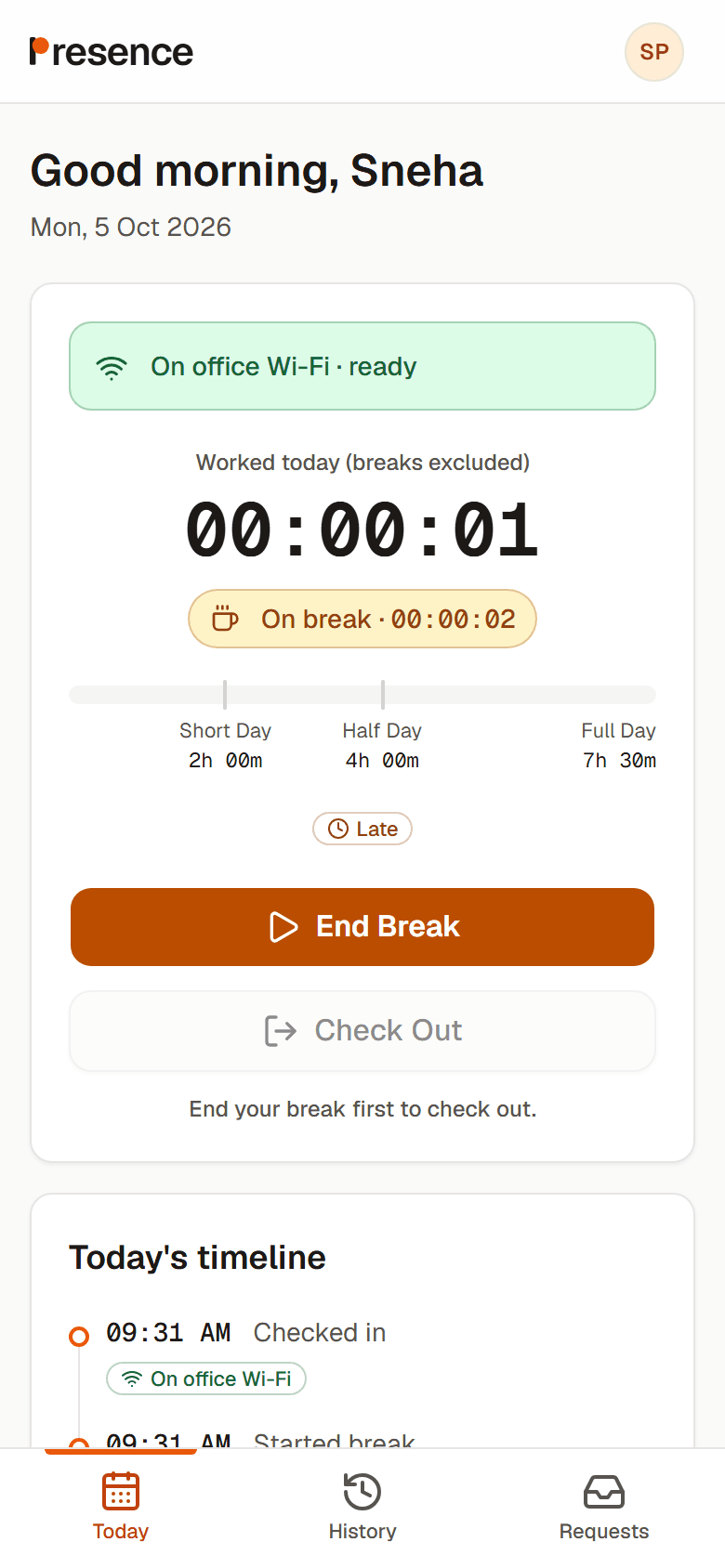
  • Office Network check before you Punch
  • Leave, WFH, Half Day and Optional Holiday Requests
  • Your attendance history and the reasons behind changes
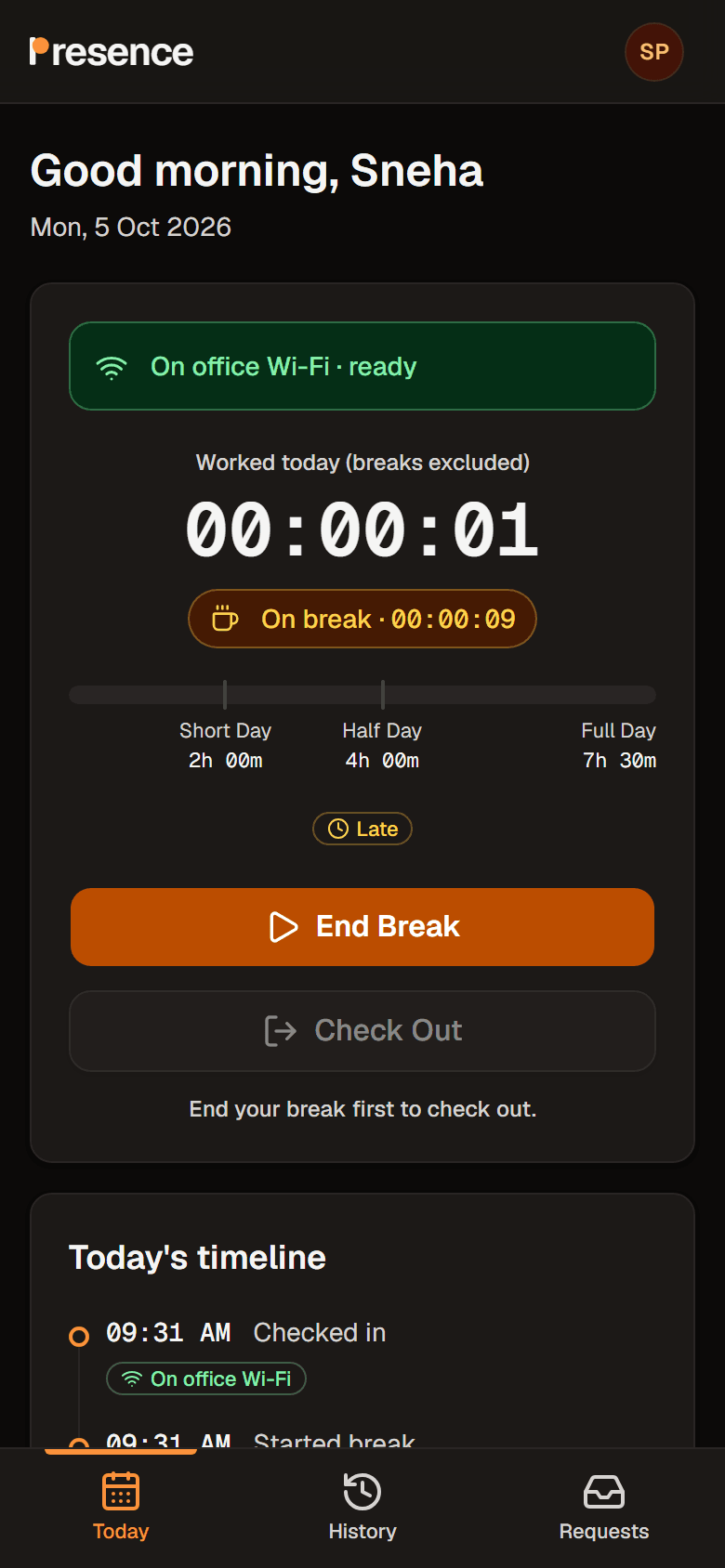
Employee: the real Presence Today screen on a break, with the worked-hours bar, the Late flag and the day’s timeline.Employee: the real Presence Today screen on a break, with the worked-hours bar, the Late flag and the day’s timeline.
Captured from the app with a seeded development roster.

For Managers

Understand first. Then decide.

See your team’s day and Review what needs your attention. Read the reason, see the evidence, and approve or reject with a note. No one can Review their own item.
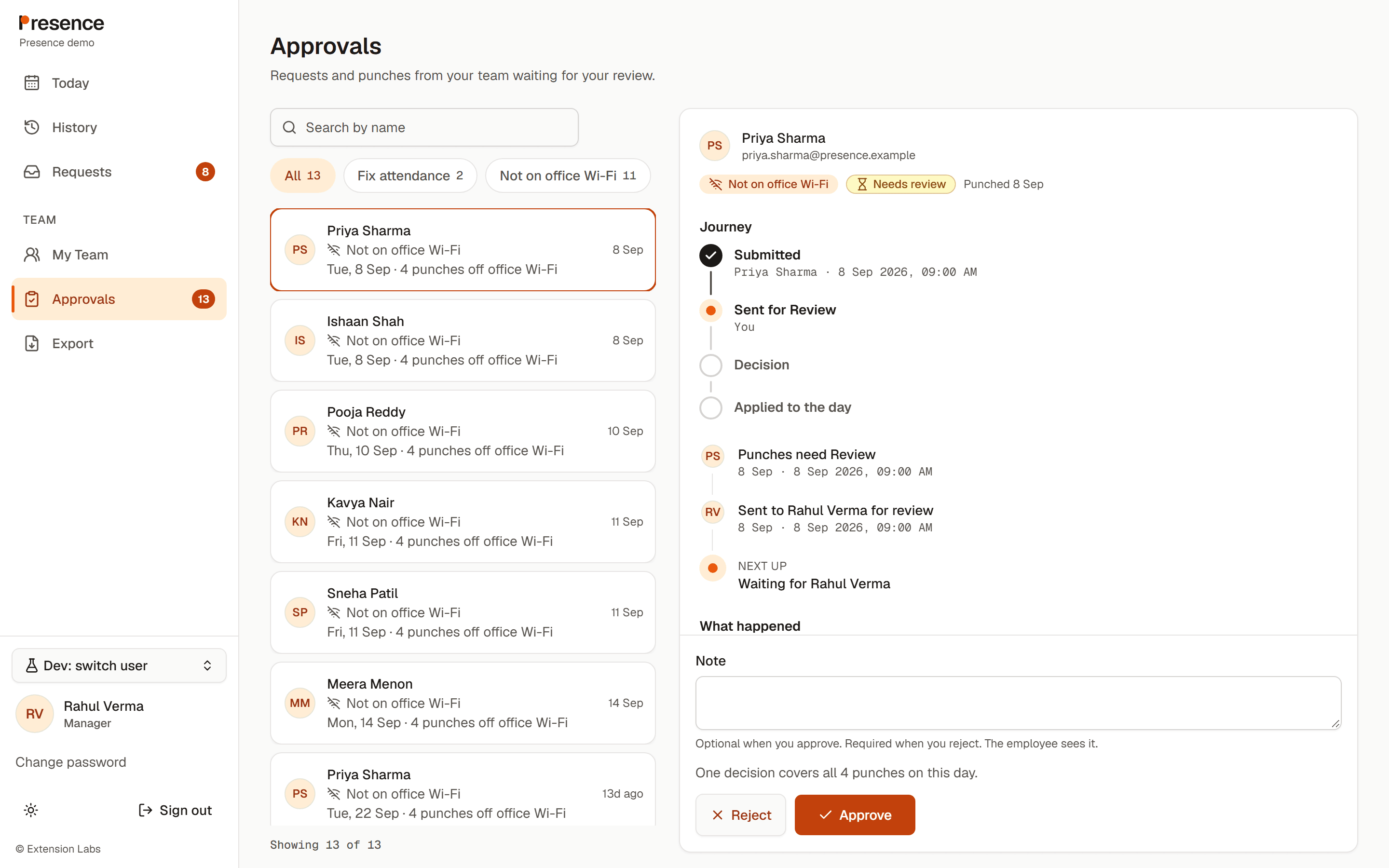
  • A single queue for Requests and off-network Punches
  • GPS evidence alongside the Office Network result
  • Team records and scoped payroll exports
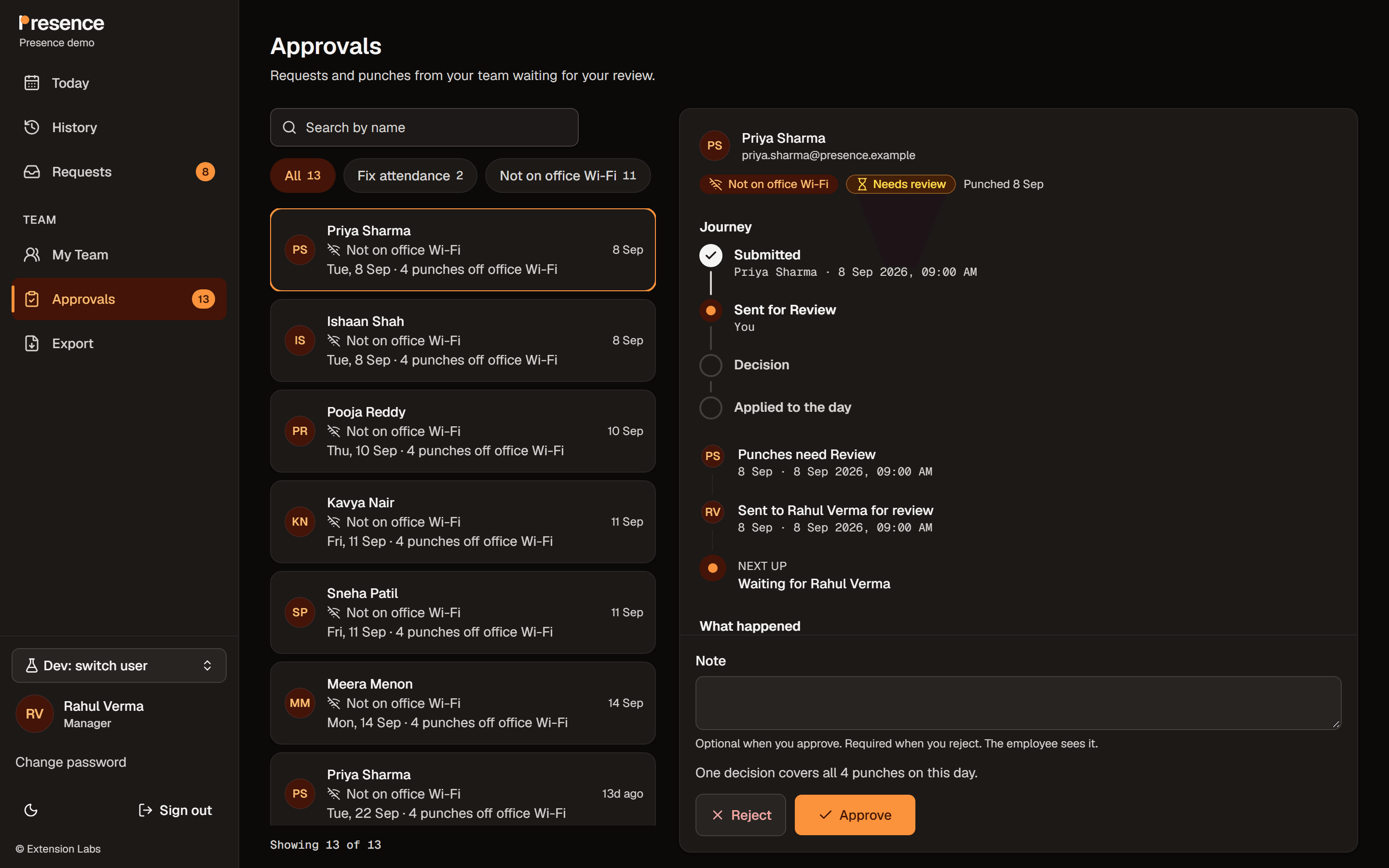
Manager: the real Presence Approvals screen with a Needs Review Punch, its location evidence and the Approve and Reject actions.Manager: the real Presence Approvals screen with a Needs Review Punch, its location evidence and the Approve and Reject actions.
Captured from the app with a seeded development roster.

For Admins

Less chasing. Better records.

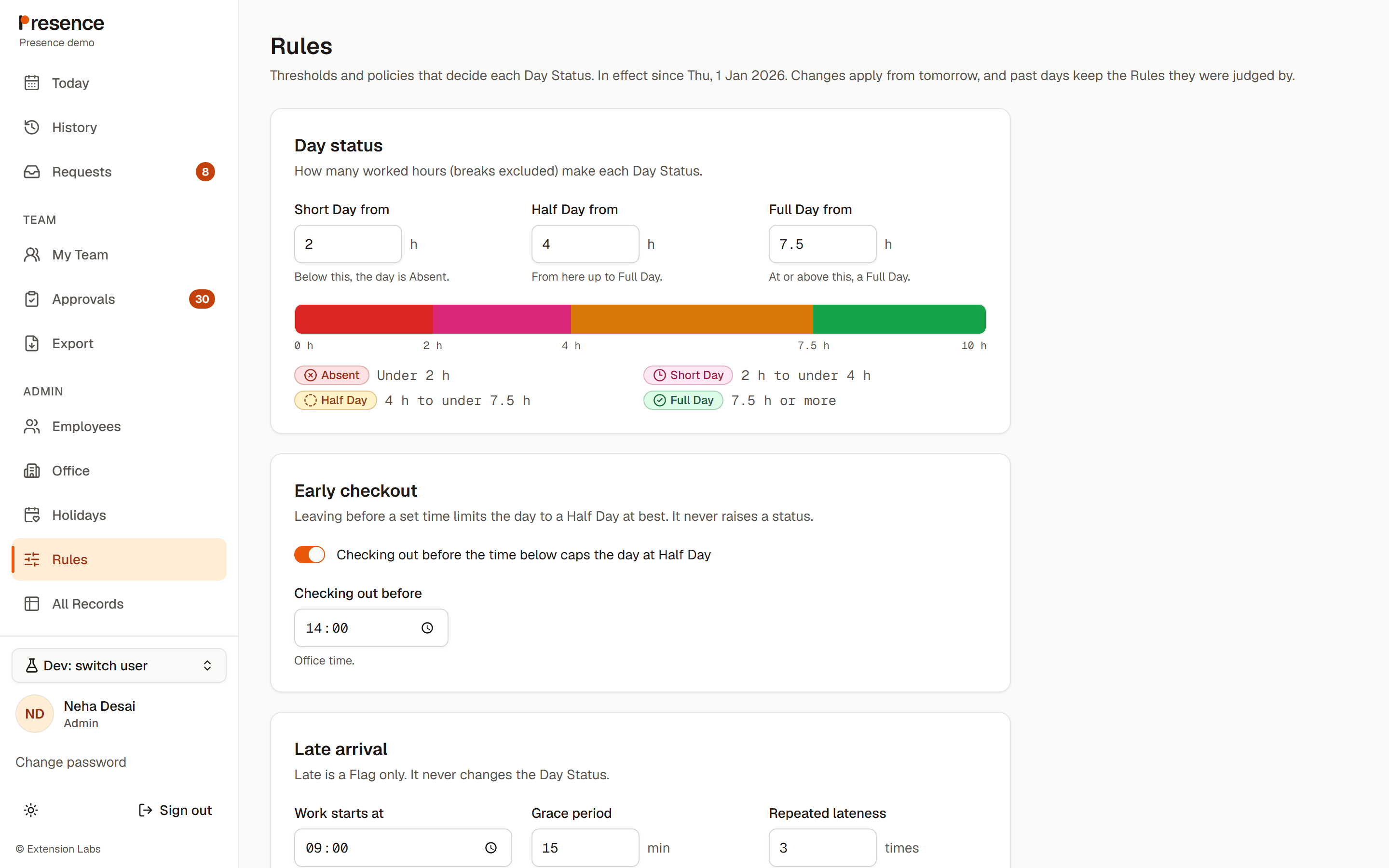
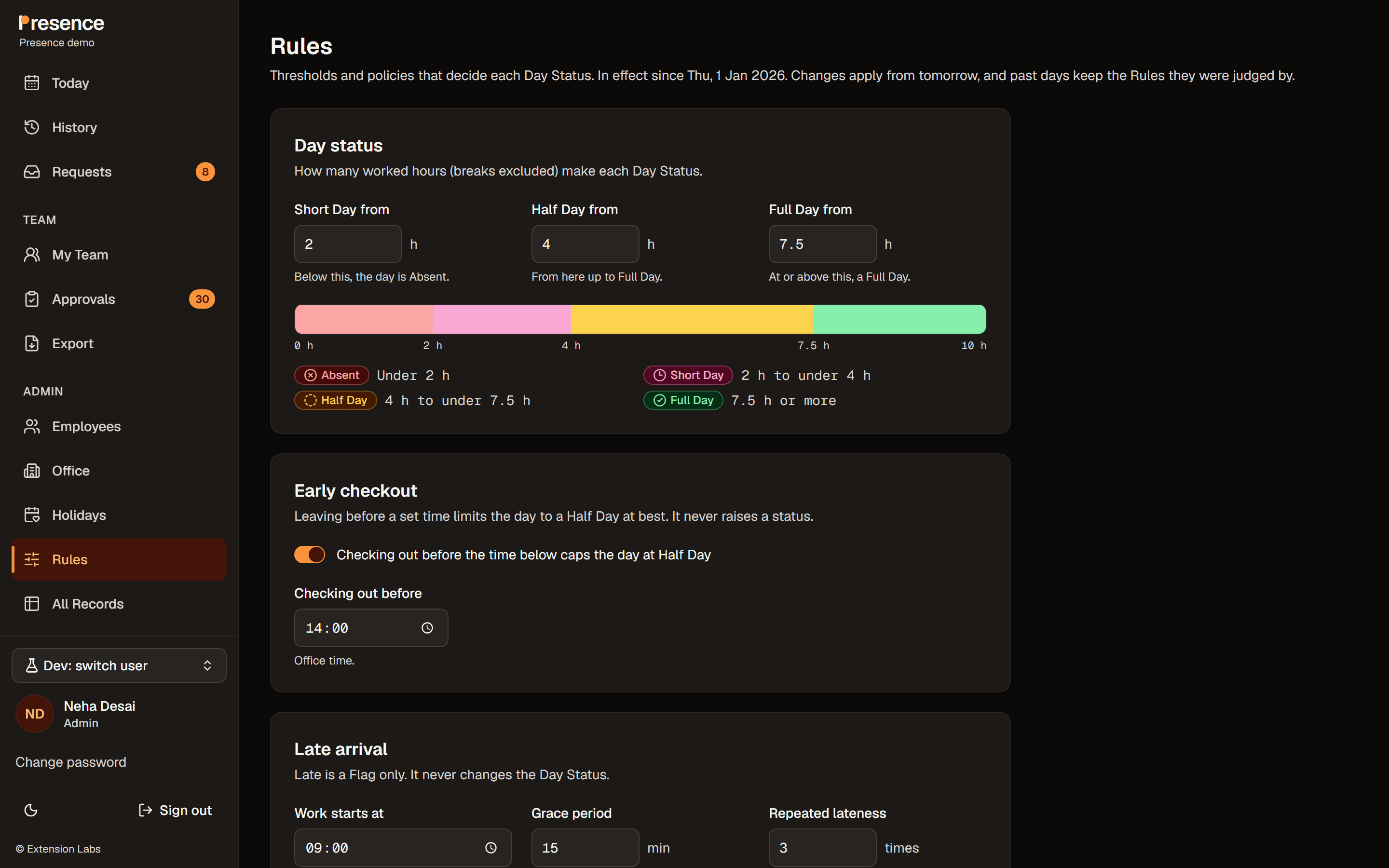
Manage people, Office Networks, Holidays and Rules in one place. Declare an office-wide WFH Day when heavy rain changes the plan. Keep the reason with the record.
  • Microsoft 365 sign-in, people added by an Admin
  • Versioned Rules that apply from tomorrow
  • An append-only audit log for attendance changes
Admin: the real Presence Rules screen with the Day Status thresholds, Early checkout and Late arrival settings.Admin: the real Presence Rules screen with the Day Status thresholds, Early checkout and Late arrival settings.
Captured from the app with a seeded development roster.

The real product, in motion

Small actions.
One clear record.

A workday starts in two taps.

Open Today on your phone, see the office Wi-Fi check, Check In and watch the timer start. Start a break when you need one.

An employee opens Today, checks in, confirms the location check, sees the timer start, and starts a break.

A Request gets a human ReviewA manager opens Approvals, selects a WFH Request, reads its reason and approves it. The Request leaves the pending list.

A manager opens Approvals, selects a WFH Request, reads its reason and approves it. The Request leaves the pending list.

Heavy rain? Declare a WFH DayAn Admin declares an office WFH Day for heavy rain, saves it, and an employee’s Today displays the WFH Day banner.

An Admin declares an office WFH Day for heavy rain, saves it, and an employee’s Today displays the WFH Day banner.

Recorded in the app with a seeded development roster.

A fair foundation

Rules with a memory.

The right Rules for the date.

Worked hours exclude breaks. Full Day, Half Day and Short Day thresholds come from the organisation’s Rules. A later change never rewrites the Rules used for an earlier day.

Requests with context.

A pending Leave, WFH, Half Day or Optional Holiday Request protects the day from being closed as Absent until Review. Employees can withdraw a pending Request.

Exports with the whole picture.

Monthly CSV or Excel exports include Day Status totals, Leave kinds, WFH, hours, Late counts and open items. Unresolved Reviews are flagged before export.

A better start to the workday

Make attendance feel fair.

Join the waitlist and tell us about your team. We’ll reply to talk it through.